
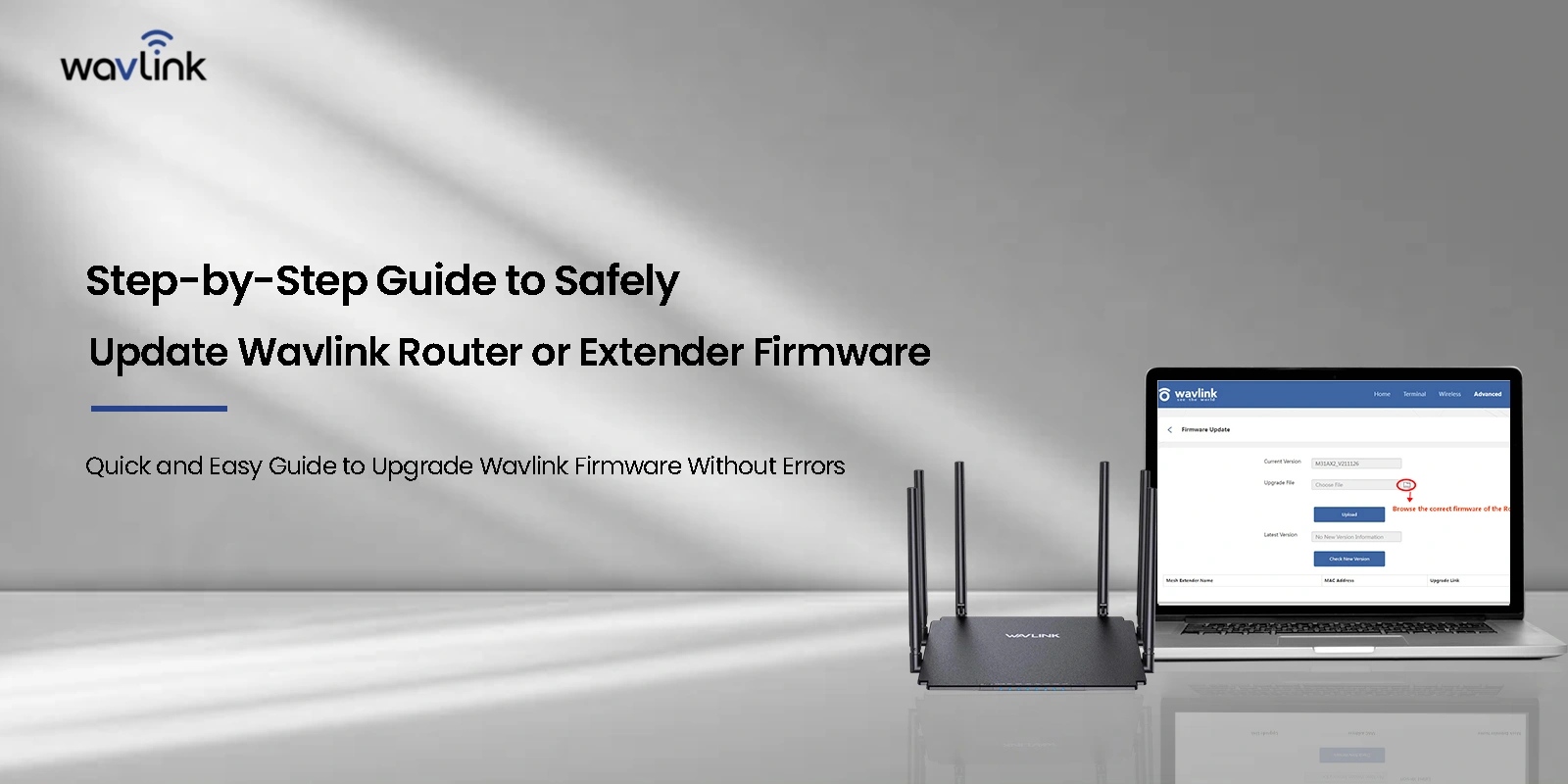
Making the latest Wavlink router firmware update can help you alleviate issues that arrive with performance and network strength like factors. It is recommended that you install the latest available updates to keep the network and devices safe from cyber threats. Moreover, updating the Wavlink Mesh Wi-Fi router will also help make the network bandwidth more efficient.
Router device manufacturers release these updates regularly to help users in fixing bugs if any, introduce new features to the interface, improve the performance of the device and more.
Steps to make the latest Wavlink router firmware update
Although most router models nowadays have built-in automatic firmware update technology, you can update the Wi-Fi router on your own as well.
There are two general methods you can update your Wavlink router firmware:
- The manual method by downloading the latest firmware file.
- Using the web management wizard.
In the case of Wavlink routers, you only have one option left for updating that is using the manual method. In this article, we will discuss the same.
Now, in order to update the firmware you must know the IP address of the router. Also, make sure that you are connected to the internet network connection of the same router you want to update the firmware for.
When you are sure you are connected, you can connect your router to the computer system via Ethernet cables and follow the steps as mentioned below:
Using the Manual method for Wavlink router firmware update
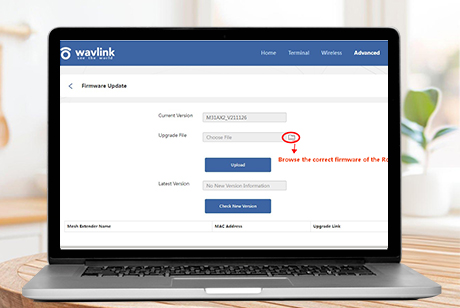
- Open the web based management page by typing the web address wifi.wavlink.com in the address bar. Click Enter and you’ll reach the login page.
- Type in the login credentials as mentioned on the product label or the defined ones and press Login.
- Once you login to the Wavlink router setup wizard, head over to the Setup section and select “Upgrade Firmware”.
- On the next screen that appears, you’ll see the Browse button. Click on that. The wizard will ask you to upload the latest firmware file.
- If you haven’t downloaded the firmware file, you can visit the wavlink.com/en_us/firmware.html page and download the model specific firmware file.
- Now, select the downloaded file and it will start to upload on the web management wizard.
- Finally, click on the Apply button and wait for the firmware upgrade process to run and complete.
- The router device may restart several times during the update process and you may need to reconnect your devices again.
The steps conclude the wavlink router firmware update process. If you need more help with the same, you can always reach out to the team at our end for help.
Wavlink router firmware update not working
While you are using your router, you might encounter issues with making the Wavlink router firmware update. It is therefore important to know How to update Wavlink firmware by resolving issues effectively. If not fixed, the issues may evolve to hardware issues like device freezing midway, or the device becoming unresponsive at times as well. Here are some key troubleshooting steps you can always follow to resolve the firmware related issues with your Wavlink router:
Incorrect Firmware File
Using an incompatible or incorrect firmware file is one of the most common reasons why firmware updates fail.
What to check: Verify the precise router model number stated on the product label. Always download the firmware from the official Wavlink firmware page. Make sure the specific firmware version is meant for your router variant.
Solution: Erase the previously downloaded file and download the correct firmware for your router model. Do not try to install firmware designed for any other Wavlink device, as doing so could permanently damage the router.
Weak Internet Connection
Wavlink router firmware update can fail if there is a bad internet connection when the update is initializing or in the process of being uploaded. Things to monitor include the internet speed and whether there are disconnections or if the internet is dropping consistently. If you can, connect to the internet using an ethernet cable instead of Wi-Fi. This stable connection reduces the risk of being disconnected or dropping the internet during a firmware upgrade.
Power Issues causing interruption during update
When updating the firmware, the router needs continuous power. Any disruption in power could lead to router firmware corruption.
Points to consider are: Power interruptions Plugging in adapters or sockets loosely
Best Practice: Make sure the router is connected to a stable power supply. Refrain from firmware updates during storms or other unstable power conditions. When updates are being conducted, the router should not be turned off or restarted.
Interrupting the Update Process
Because firmware updates can take several minutes and may fail if the process is interrupted, it is important to exercise caution.
What to examine: Stopping the update mid-process Browser exits while the installation is in progress
Recommended Steps: Stay and wait. It is critical to wait for the Wavlink router firmware update to finish. Only after the update is complete and the router restarts on its own should you refresh the page, close your browser, or unplug the router.
Router Unresponsive After Update
Sometimes, routers do not respond or boot properly after an update to the firmware.
What to verify: Router LEDs status Ability to access the login page
Solution: Reset the unit by pressing and holding the reset button for 10 to 15 seconds. Once the reset is complete, log in once more and set the router settings again. If the router is still unresponsive, technical support may need to be contacted.
Outdated Firmware Version Causing Issues
When the firmware is way out of date, the router might not be able to do direct upgrades to the up-to-date version.
Things to check: Current version of firmware installed to the router
Solution: Search the Wavlink website for a middle firmware version and do a step-wise upgrade instead of skipping straight to the latest version.
The Final Word
Wavlink router firmware update process is easy with the steps discussed in the blog. Though you might encounter issues due to factors beyond control, they can be tackled easily using the troubleshooting steps highlighted in the blog. If you face issues like Wavlink router firmware update not working or still have questions about how to update Wavlink firmware, you can always reach out to the support staff at our end at any time.